The bar POS for busy nights.
Tabs stay open on the tablets until the last round. Drinks print at the bar, food goes to the kitchen, and at close the till is counted against what Tably expected.
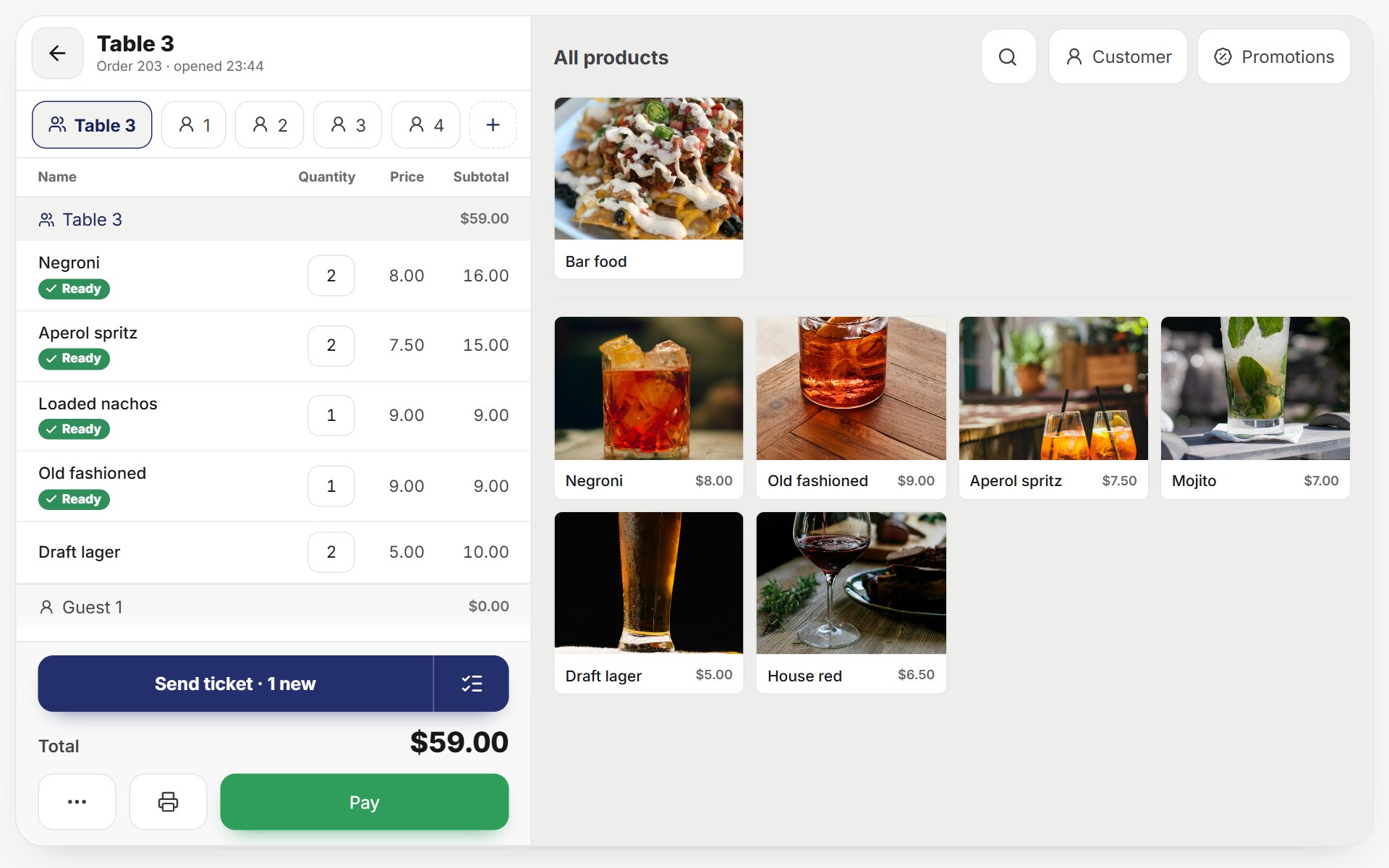
Built for the rush, and for closing time.
Loud room, many rounds, one tablet behind the bar. Tably keeps up.
Bar and kitchen apart
Each station gets its own ticket: cocktails at the bar, wings in the kitchen. Or a kitchen screen instead of paper.
Tabs that stay open
A table’s tab stays open all night. Split it by guests at the end, move drinks to another table, join tables.
Happy hours
Set the hours and the prices once; the tablet applies them by itself at checkout. Promotions come with the Pro plan.
Bottles by the pour
Each cocktail takes its spirits in millilitres by the recipe. Deliveries add stock, stock checks show what went missing.
The till at close
Each shift close counts the drawer against what Tably expected, cash and card, with every expense of the night.
PINs and a manager’s code
Every bartender signs in with a PIN; a refund asks for a manager’s code.
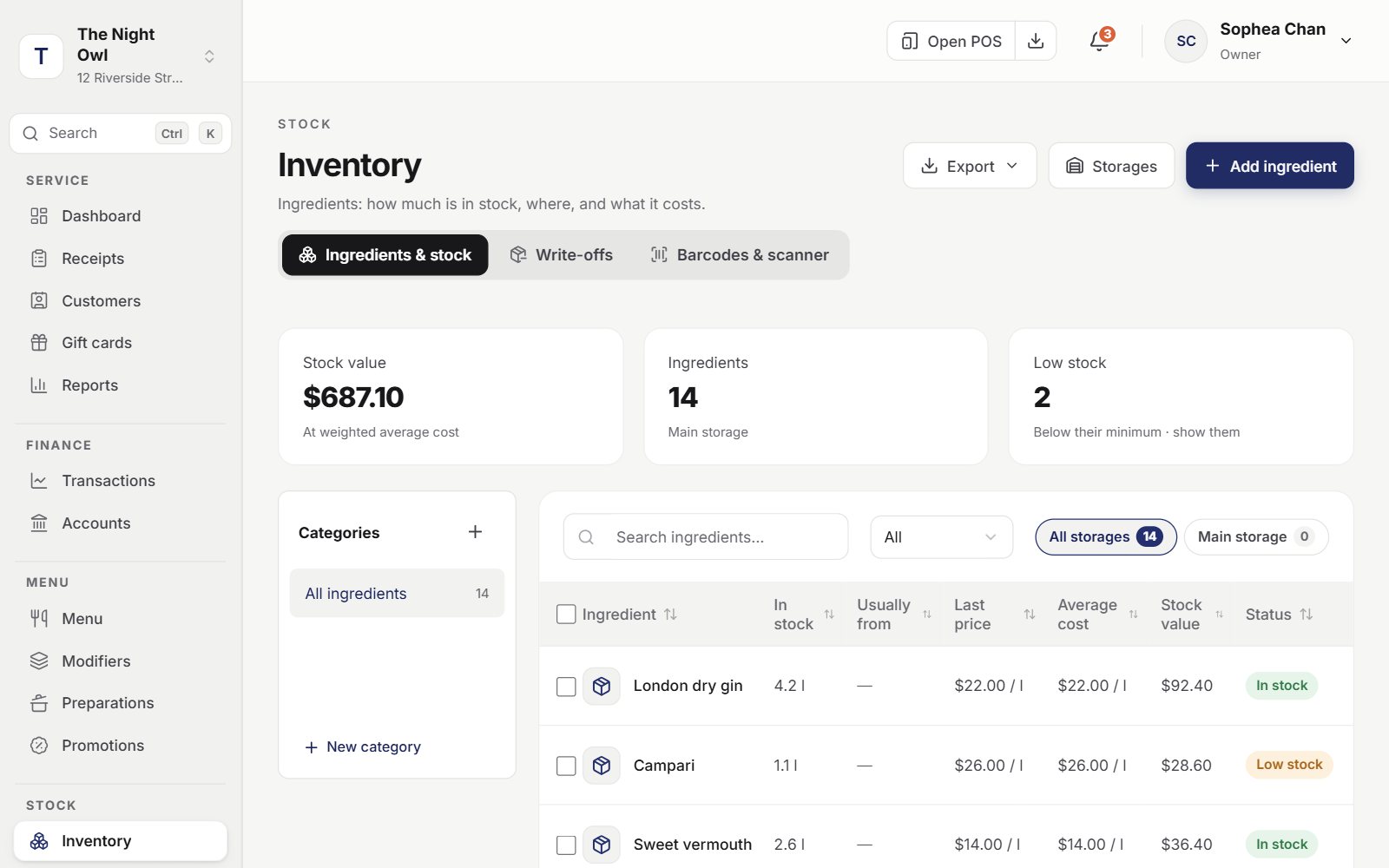
Know what is behind the bar.
Stock follows every pour and every delivery, so the count at the end of the week is a check, not a guess.
- Low stock flagged before Friday night
- Write-offs for the broken bottle
- Stock checks that show what went missing
- Supplies by supplier, with their prices
Open tonight. Set up in an evening.
No installer to visit, no hardware to buy from us: Tably runs on the tablets and printers you already have.
- 1
Set up on the websiteAbout an hour
Add the menu with photos and prices, draw the tables, invite the staff with their PINs.
- 2
Install on the tabletsA few minutes each
The Tably app on Android or Windows, or the browser on an iPad. Sign in with the restaurant account and choose the tablet; the menu and floor appear.
- 3
Take the first orderTonight
The waiter picks the table, the kitchen gets its ticket, the guest pays — and stock, cash and reports follow by themselves.
Frequently asked questions
Yes. Each cooking station — the bar, the kitchen — gets its own printer or kitchen screen, and every dish goes to its station.
Yes. Promotions (on the Pro plan) set the hours, the days and the prices, and the tablet applies them at checkout.
Yes. Recipes take ingredients in litres, kilos or pieces, so each drink counts its pour, and stock checks show the difference.
The tablets keep taking orders and printing; everything is sent to the server when the connection is back.
More about the plans: Plans and add-ons
Also for
Tably changes with the way you serve: pick it in Settings, the tablets follow.

Your first order, tonight.
- Everything included
- No card needed
- 14 days free
Set up the menu and staff on the website; the tablets follow.